How to Sell Tickets Online and at the Door?
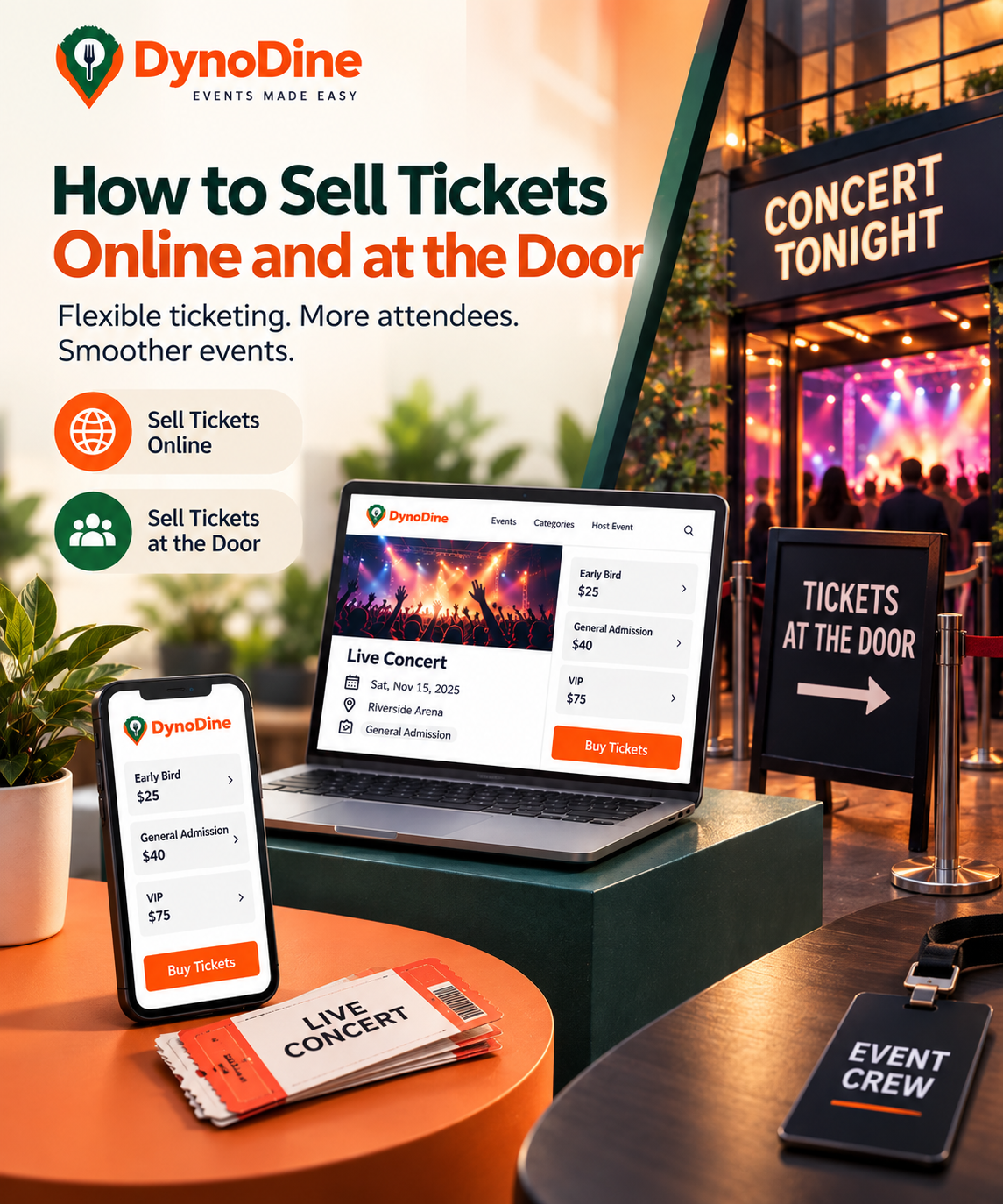
How to Sell Tickets Online and at the Door
Not every attendee plans ahead. Some people purchase their tickets days before an event, while others decide to attend at the last minute and expect to buy at the entrance.
For organizers, supporting both online ticket sales and door sales can make the event more accessible while keeping attendance and ticket availability organized.
Here’s how to manage both without turning event day into a complicated process.
🎟️ 1. Start With Online Ticket Sales
Online sales give attendees the opportunity to secure their spot before arriving at the venue.
Before publishing tickets, make sure your event page clearly shows:
- Event date and time
- Venue and location
- Ticket price
- Available ticket options
- Age or entry requirements
- Important event policies
- What each ticket includes
Offering tickets online also gives organizers an earlier idea of expected attendance and remaining capacity.
💻 2. Offer Simple Ticket Choices
Keep your ticket options easy for customers to understand.
Depending on your event, you might offer:
General Admission — Regular event entry
Early Booking — Tickets available before a certain date
VIP — Premium access or additional benefits
Group Admission — Tickets intended for multiple attendees
Clearly display the price and inclusions of each option so attendees can quickly choose the right ticket.
🚪 3. Keep Tickets Available for Door Sales
Online sales don't have to be your only sales channel.
If your event allows walk-ins, you can reserve part of your available capacity for people purchasing tickets at the venue.
Before opening the doors, your team should know:
- How many spaces are still available
- Which ticket types can be purchased at the door
- The door ticket price
- Whether walk-ins are still being accepted
- Who is responsible for handling door purchases
This helps prevent your entrance team from selling beyond the event's planned capacity.
📊 4. Keep Online and Door Numbers Together
This is one of the most important parts of combining online and at-the-door ticketing.
For example:
Venue Capacity: 500
Online Tickets Sold: 350
Remaining Capacity: 150
Your door team should work from the remaining availability rather than treating walk-in sales as a completely separate number.
Keeping ticket quantities organized helps you understand how many people can still enter the event.
📱 5. Separate Prepaid Guests From Walk-Ins
A busy entrance becomes easier to manage when everyone doesn't have to follow the same process.
Consider creating separate entry flows:
Online Ticket Holders → Ticket Verification → Entry
Walk-In Guests → Purchase Ticket → Verification → Entry
This can help prevent customers who already purchased tickets from waiting behind people who still need to buy one.
🔳 6. Make Online Check-In Quick
For online customers, digital tickets can simplify admission.
Attendees can present their ticket when they arrive, and QR codes can be used to verify the ticket and confirm entry.
Your entrance staff should be prepared before doors open so they know exactly how tickets will be checked.
👥 7. Keep Your Final Attendance Accurate
Your work isn't finished when the last ticket is sold.
After combining advance bookings and door purchases, make sure your records reflect the people who actually attended.
Accurate attendee information can be useful for:
- Final attendance numbers
- Capacity records
- Ticket reporting
- Event performance reviews
- Planning future events
🎯 Online Convenience + Door Flexibility
You don't necessarily have to choose between selling tickets online and selling them at the venue.
Online ticketing gives people the convenience of booking ahead.
Door sales give last-minute attendees another opportunity to join your event.
The important part is keeping ticket availability, capacity, purchases, and entry connected and organized.
With DynoDine, organizers can manage online ticket options, monitor ticket activity, organize attendee information, and support digital ticket verification—all from a more centralized event-management process.
Sell Before the Event. Stay Ready at the Door.
Give attendees more than one way to join your event while keeping your ticketing process organized from the first online booking to the final guest at the entrance.
Want to know the complete end-to-end process of how to sell tickets online? Click here for the Complete Step-by-Step Guide.