
How to Use QR Code Tickets for Faster Event Check-In
How QR Code Event Tickets and Check-In Work
QR code event tickets make the check-in process faster, simpler, and more organized for both event organizers and attendees. Instead of relying entirely on printed tickets or manually checking attendee details, each attendee can receive a digital ticket containing a unique QR code. They can keep the ticket on their phone and present it when they arrive at the event.
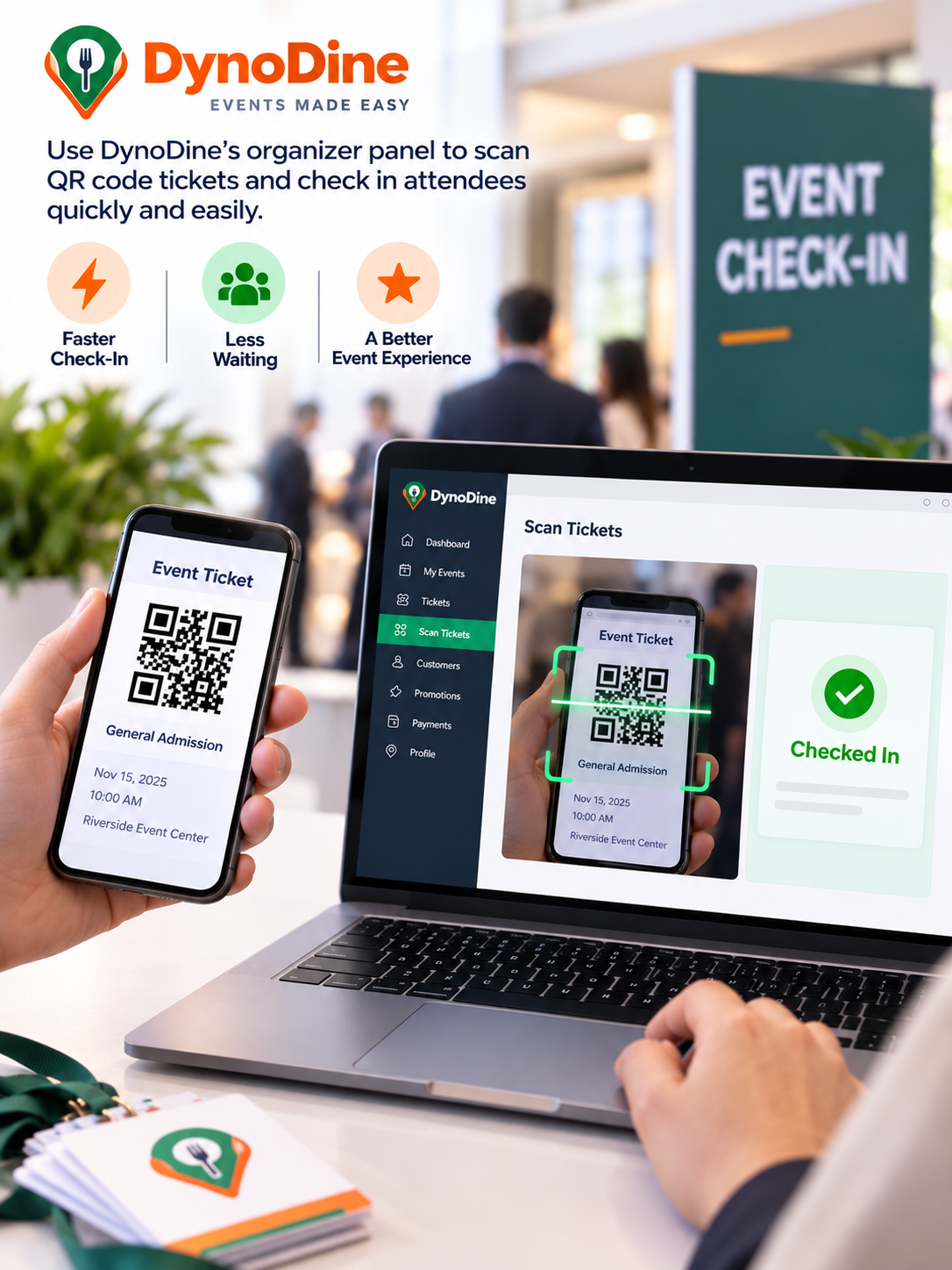
With DynoDine, event staff can use the Scan Tickets feature to scan attendees' ticket QR codes at the entrance. The dashboard provides a clear view of how many attendees have already checked in and how many are yet to check in, helping organizers keep track of event entry in one place.
How the QR Code Check-In Process Works
The process is straightforward:
- Attendee receives a digital ticket: After getting their event ticket, the attendee can access the digital version containing their QR code.
- Ticket is presented at the entrance: When arriving at the event, the attendee shows the QR code on their phone.
- Event staff scans the QR code: Staff can open the Scan Tickets section in DynoDine, start the camera, and point it at the attendee's QR code.
- The ticket is verified: The system checks the scanned ticket so staff can confirm the attendee's entry.
- Check-in status is updated: Once the attendee is checked in, organizers can keep track of attendance directly from the check-in screen.
For events with a steady flow of guests, organizers can also keep the camera open between scans, making it easier to process multiple attendees without repeatedly restarting the scanner. The Auto check-in option can further streamline the workflow by marking a valid scanned ticket as checked in without requiring an additional confirmation step.
Why Use QR Code Tickets for Events?
QR code tickets reduce the need for manual ticket checking and give attendees the convenience of keeping their tickets on their phones. For organizers, digital scanning provides a more structured way to manage entry and monitor check-ins as guests arrive.
Whether you're organizing a party, festival, conference, workshop, or other ticketed event, combining digital tickets, QR code scanning, and real-time check-in tracking can help create a smoother entrance experience for your team and your attendees.
With DynoDine, event check-in becomes a simple process: present the ticket, scan the QR code, verify the attendee, and keep your event moving.
Want to know the complete end-to-end process of how to sell tickets online? Click here for the Complete Step-by-Step Guide.